Looking for Slime Panic unblocked on a Chromebook? The game has a browser play page on GameTopX, so you can open it without installing a desktop application. Whether it loads on a particular school Chromebook is a separate question: school administrators may restrict game sites, browser settings, or network access. Play only where your device and network rules permit it. If access is available, here is what to expect from this deceptively cheerful platformer and how to make your first session count.
What Slime Panic is really about
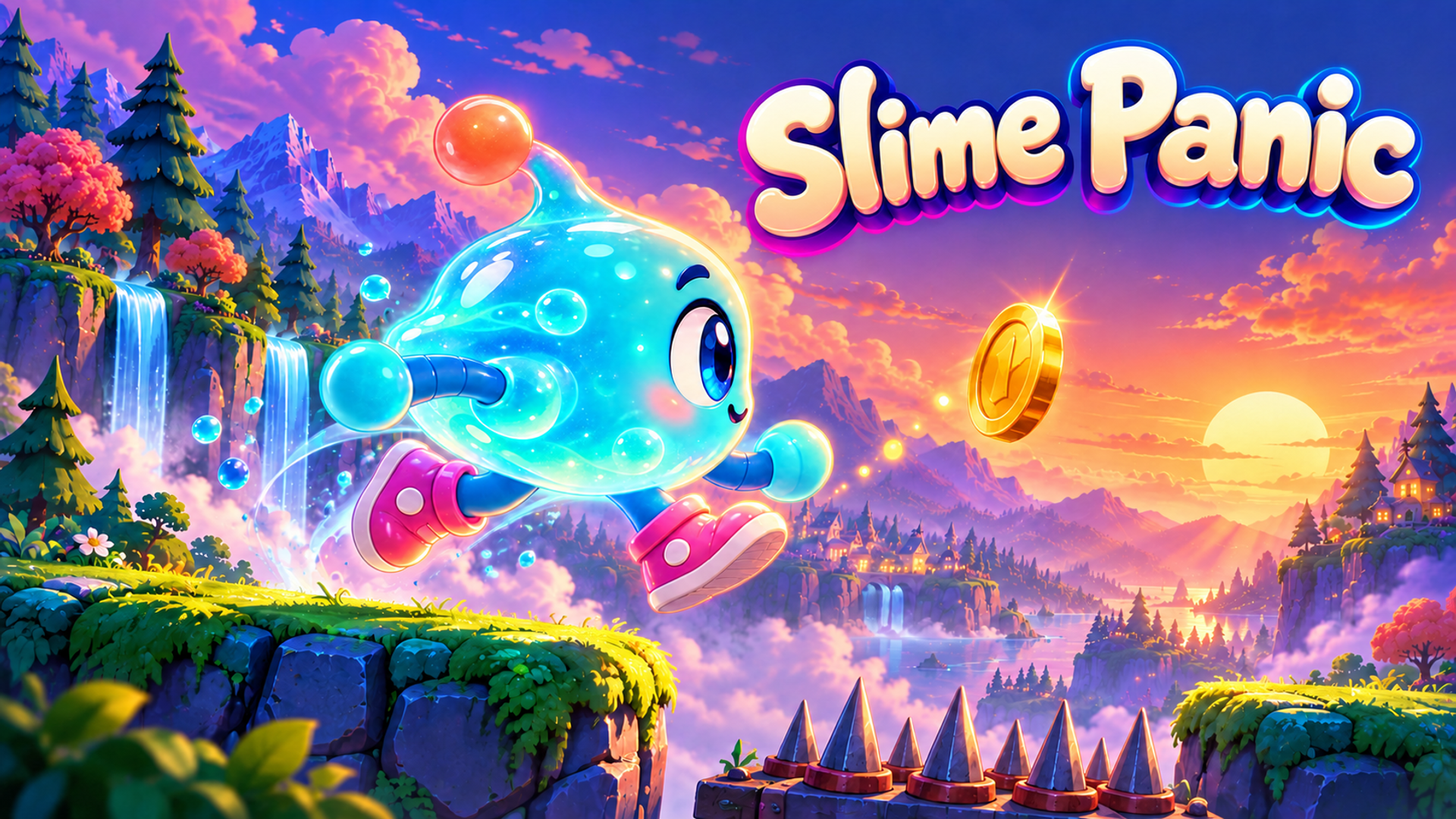
Slime Panic is an original 25-level platformer built around traps, careful movement, and learning from mistakes. Its bright slime character looks friendly, but each level asks you to read the terrain and respond to hazards. A jump that worked in an earlier stage may fail when the landing space narrows or a surprise trap changes the route.
That contrast is the appeal for players searching for a troll platformer on Chromebook. You are not expected to guess every obstacle correctly on the first try. A failed attempt tells you where to slow down, where to stop moving, and when to start the next jump. The goal is steady improvement, not a perfect first run.
How to open it on a Chromebook
Open the Slime Panic page on GameTopX in a current browser, allow the game a moment to load, then follow the controls shown in the game. A keyboard gives you physical movement inputs on a laptop; touch controls are intended for supported touch devices. If the page opens but the game does not respond, click inside the play area before testing the controls again.
Browser play does not require Flash or a conventional app download. It still requires a working connection and permission to visit the site. A blocked page is a policy decision by the network or device manager, not a puzzle to solve with a proxy. If your school blocks games, use your own permitted device or play outside school instead.
Three habits that make the 25 levels less frustrating
First, study the landing area before committing to a jump. Try to land near its center rather than holding movement until the very edge. Second, after a trap catches you, remember the last safe position and change one input on your next attempt. Third, wait when a hazard has a visible rhythm. A short pause often saves more time than an immediate retry.
Coins give you another reason to explore, but a difficult pickup can wait until you understand the main route. Slime Panic begins again at level one on a new visit while coins can remain saved. Practicing the early stages is therefore useful, even after you have reached a later level before.
Is “unblocked” a guarantee?
No. “Slime Panic unblocked at school” is a search phrase people use, not a promise that GameTopX works on every managed Chromebook. Access depends on the school, the device, the browser, and the network. GameTopX cannot override those rules.
When you are allowed to play, the direct game page is the simplest route. Open it, learn the controls, and see how many of the 25 stages you can clear with a little more patience on every run.