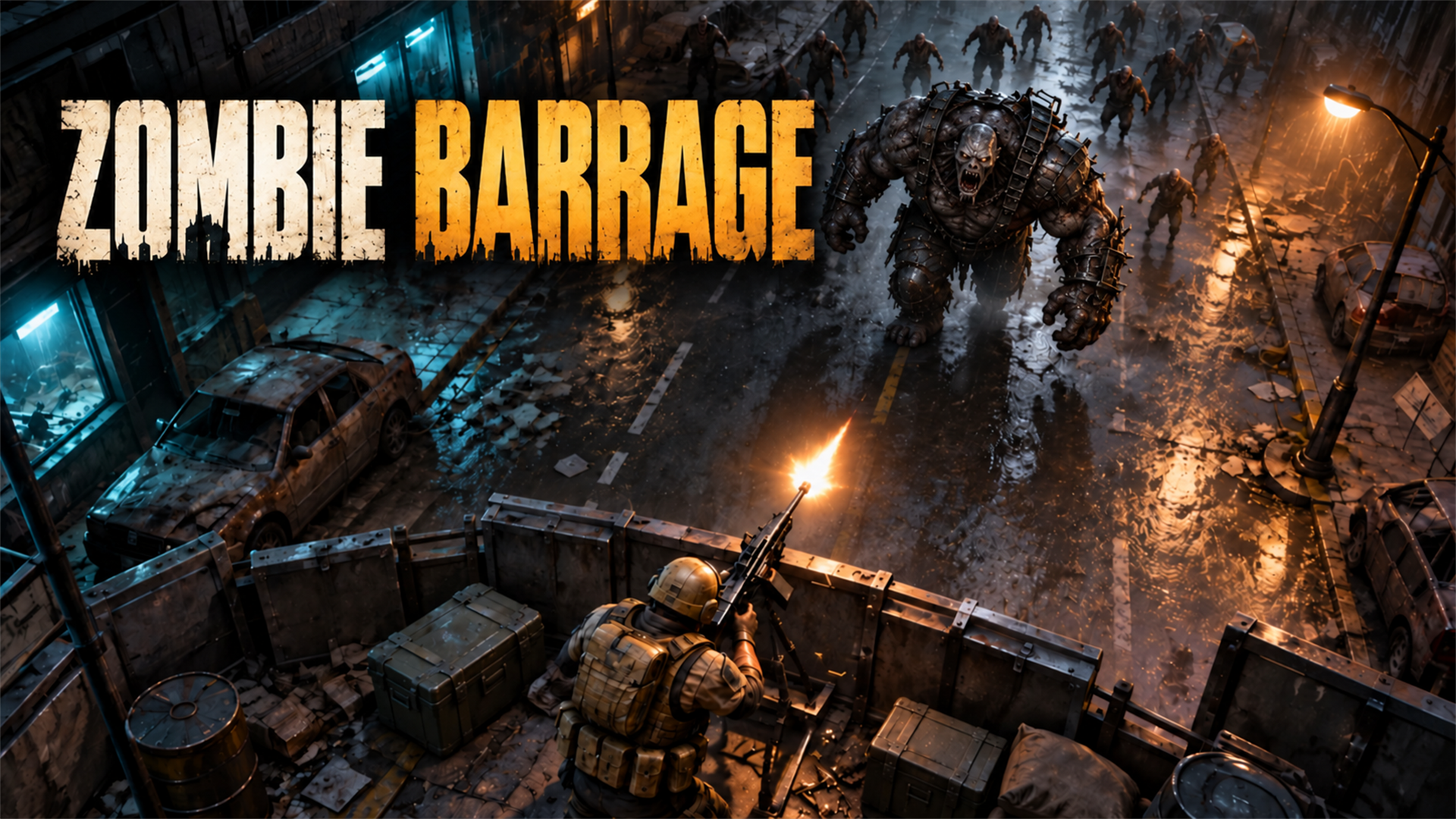
Zombie Barrage is a browser zombie-defense game: you hold a barricade, choose the most urgent targets, and improve your equipment as the pressure rises. Players sometimes search for “Zombie Barrage unblocked” or “Zombie Barrage on Chromebook.” The game opens through its GameTopX page without Flash or a desktop installer, but access on a school-managed device depends on that school’s policies. This guide covers the play experience and the practical limits without promising a way around network restrictions.
What happens when you start a game
You defend a barricade against advancing zombies. Some enemies move quickly; others absorb more damage, and large mutants put extra pressure on your defense. The important choice is often not which target looks biggest but which one can reach the wall first. Clear immediate threats, then return to tougher enemies while watching the barricade health.
Coins earned during play let you consider weapon and defense upgrades in the full game. Different weapons change damage, coverage, and firing rhythm. There is no need to invent a reload mechanic: focus on where you aim, how you time your shots, and how you prioritize threats across the road.
Chromebook controls and browser setup
On a Chromebook, use the trackpad or a mouse to aim and fire inside the game area. If keyboard shortcuts or clicks appear to affect the page instead of the game, click the play area once to give it focus. Check the in-game controls for pause and sound. On a phone or tablet, use the game’s touch controls.
Zombie Barrage runs in a modern browser and does not depend on Adobe Flash. It still needs network access and a capable device. Performance may vary with hardware and with other tabs or apps running. If play feels sluggish, close unnecessary tabs and try a stable connection before judging the game itself.
A simple barricade-defense plan
Start each wave by scanning the road rather than firing at the first enemy you notice. Eliminate fast enemies close to the wall, then work on durable targets. When a boss appears, keep checking for smaller zombies advancing outside your main line of fire. A boss can absorb your attention while another enemy causes the actual damage to your barricade.
After a difficult wave, decide what failed. If several zombies arrived together, consider broader coverage. If one durable enemy occupied too much time, consider stronger focused damage. Repairing or strengthening the barricade can be as important as changing weapons.
About school network access
No website can honestly guarantee that a game is “unblocked at school.” Managed networks may block entertainment sites even when the game itself works in Chrome. Respect your school’s device and internet policies; do not use this guide as instructions to bypass them.
If GameTopX is available on a permitted network, the direct Zombie Barrage page is the place to play. There is no Flash plugin to install and no separate download required from GameTopX.